





“My Nest Protects are expiring. What should I replace them with?”
That question is increasingly appearing in home-safety discussions.
And the questions that follow are even more practical:
“Can I still get smoke + CO detection?”
“Can I interconnect the alarms without rewiring?”
“Will I still receive alerts when I’m away?”
If you're in the same situation, you’re not really looking for another smoke alarm.
You're looking for a replacement that keeps the features you’ve become used to.
Why Are Nest Protect Owners Looking for Something Different?
Second-generation Nest Protect units are designed to be replaced 10 years after their manufacture date.
For homeowners with several Nest Protects, that can mean replacing an entire connected setup rather than one alarm.
And that's where the comparison gets interesting.
A basic smoke alarm may cover smoke detection. But if you were using Nest Protect for smoke + CO, interconnection and app connectivity, those features are worth putting back on your checklist.
What Should a Nest Protect Alternative Have?
Smoke + CO Detection
If you liked having smoke and carbon monoxide detection within the same system, don't overlook this when comparing replacements.
A smoke and CO combination alarm can provide both types of detection in one device, while a wider system can combine different alarm types where needed.
Wireless Interconnection
This is a big consideration if you're replacing several alarms.
Do you really want to rewire the house just because your smoke alarms have reached the end of their life?
Wireless interconnected alarms allow multiple devices to communicate without running new interconnection cables between rooms.
When one alarm detects danger, the connected alarms can alert together — particularly useful across bedrooms, hallways and living areas.
App Alerts When You're Away
This is another feature many smart-alarm users don't want to lose.
A traditional smoke alarm can alert you when you're home.
A connected system can also notify you through an app when you're away.
So instead of asking only:
“Will the alarm sound?”
you can also ask:
“Will I know if something happens while I'm out?”
What About the Kitchen?
Not every room needs the same type of detector.
Smoke alarms can be suitable for many areas, while heat alarms are commonly used in kitchens where cooking fumes and steam can cause nuisance alarms.
For a whole-home system, you may therefore want:
Smoke + CO + Heat + Wireless Interconnection + App Alerts
rather than simply installing identical smoke alarms everywhere.

A Better Way to Compare Your Options
Instead of comparing alarm models one by one, look at what the complete system can do.
| What you need | Feature to look for |
|---|---|
| Smoke protection | Smoke alarm |
| CO protection | CO or combination alarm |
| Whole-home alerts | Wireless interconnection |
| Kitchen detection | Heat alarm |
| Alerts while away | Gateway + app |
| Less maintenance | Long-life battery |
| Easier management | Central test / silence |
The word “smart” on the packaging isn't the important part.
What matters is whether the alarms, gateway and app work together as one system.
Replacing Several Nest Protects? Think Whole Home.
If three, four or more Nest Protects are approaching expiry, replacing them one at a time can leave you with different devices, apps and control methods.
A system-based approach is easier to plan:
Bedroom → Smoke alarm
Hallway → Smoke alarm
Kitchen → Heat alarm
CO risk area → CO alarm
Whole home → Wireless interconnection
Away from home → Gateway + app
This is less about finding a single “perfect” alarm and more about building a complete home-safety network.
Can Wisualarm Be a Nest Protect Alternative?
Wisualarm isn't an official Google Nest Protect replacement.
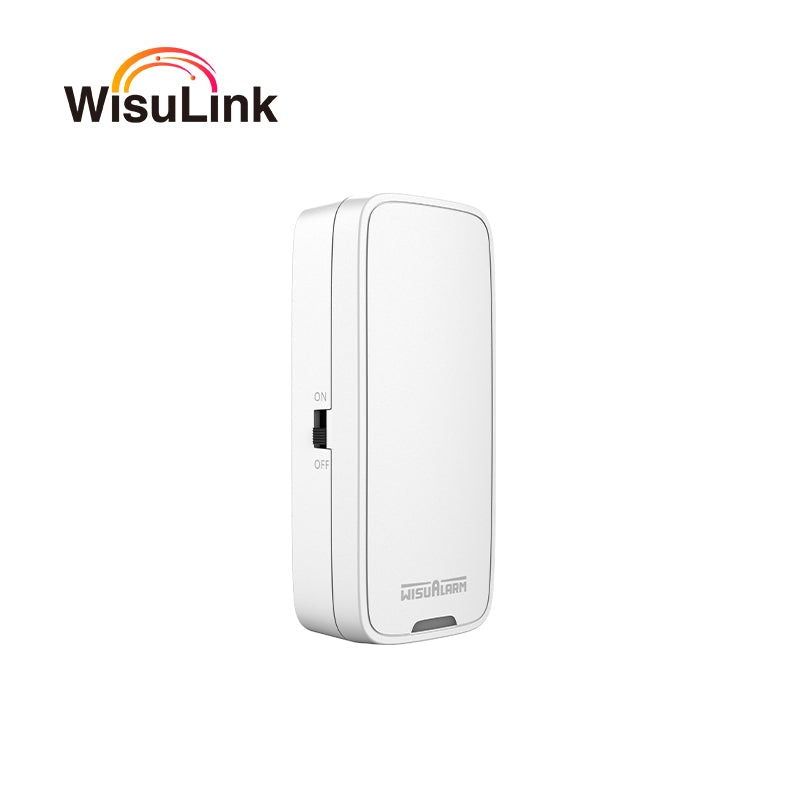
Instead, its connected home-safety system is designed for homeowners looking for smoke, CO and heat detection, wireless interconnection and app-based alerts within one ecosystem.
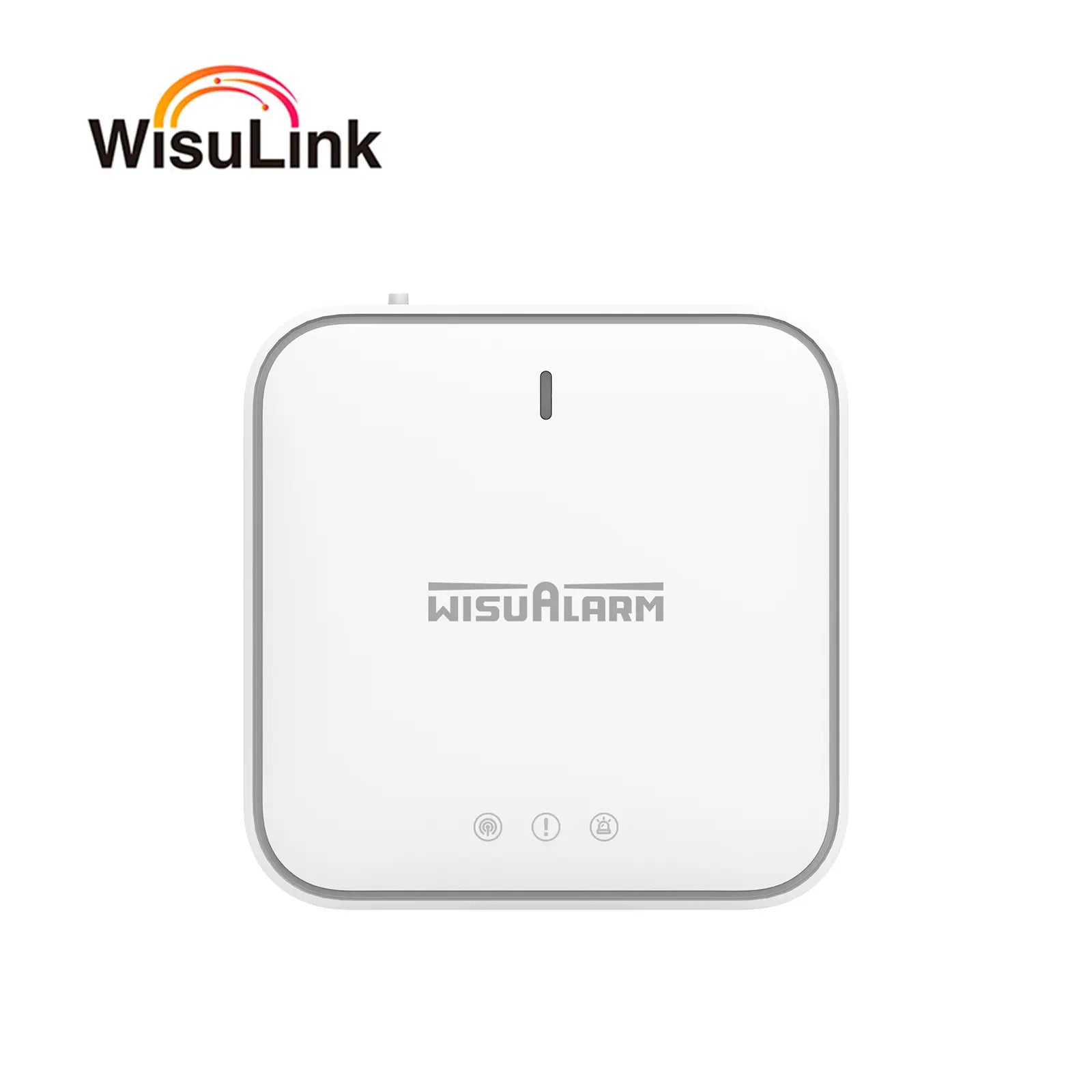
Depending on your home, smoke alarms, CO alarms and heat alarms can be combined with a gateway for central management and remote notifications.
For homeowners replacing an ageing connected setup, this provides another way to move from an expired Nest Protect system to a whole-home safety network.
Before You Buy
If your Nest Protect is reaching the end of its life, check these first:
✔️Smoke + CO detection
✔️Wireless interconnection
✔️ App alerts when you're away
✔️Heat alarm option for the kitchen
✔️Long-life battery
✔️Central testing and management
✔️UK compliance
You don't necessarily need to find another Nest Protect.
You need to decide which features are worth keeping — and which ones your next home-safety system can improve.
FAQ
How long does Nest Protect last?
Second-generation Nest Protect should be replaced 10 years after its manufacture date. Google also provides expiry warnings before the end of its service life.
What happens when Nest Protect expires?
Nest Protect provides warnings as it approaches the end of its service life. Once expired, Google recommends replacing the device.
Can I replace Nest Protect with wireless interconnected alarms?
Yes. A compatible wireless interconnected system can connect multiple alarms without requiring new interconnection wiring.
Can a smart smoke alarm alert me when I'm away?
A connected alarm system using a gateway can send app notifications when an alarm event occurs, allowing you to receive alerts when you're away from home.
Should I replace all my Nest Protects together?
If several alarms are approaching expiry, replacing them with one compatible system can simplify installation, interconnection and ongoing management.
Is a heat alarm suitable for a kitchen?
Heat alarms are commonly considered for kitchens because cooking fumes and steam can cause unwanted activations from smoke alarms. The appropriate alarm type depends on the specific location and installation requirements.



Laat een reactie achter